Mountoon Focus

Someone quiet to work beside

A calm timer for grown-ups and students. You pick how long the block is. A friend sits down and does their own quiet work until the time is up.

Not on the App Store yetWhat it does today

The app

A cozy Pomodoro timer for iPhone

Mountoon Focus is being built in the open. Everything on this page is working code you could run today — nothing here is a plan.

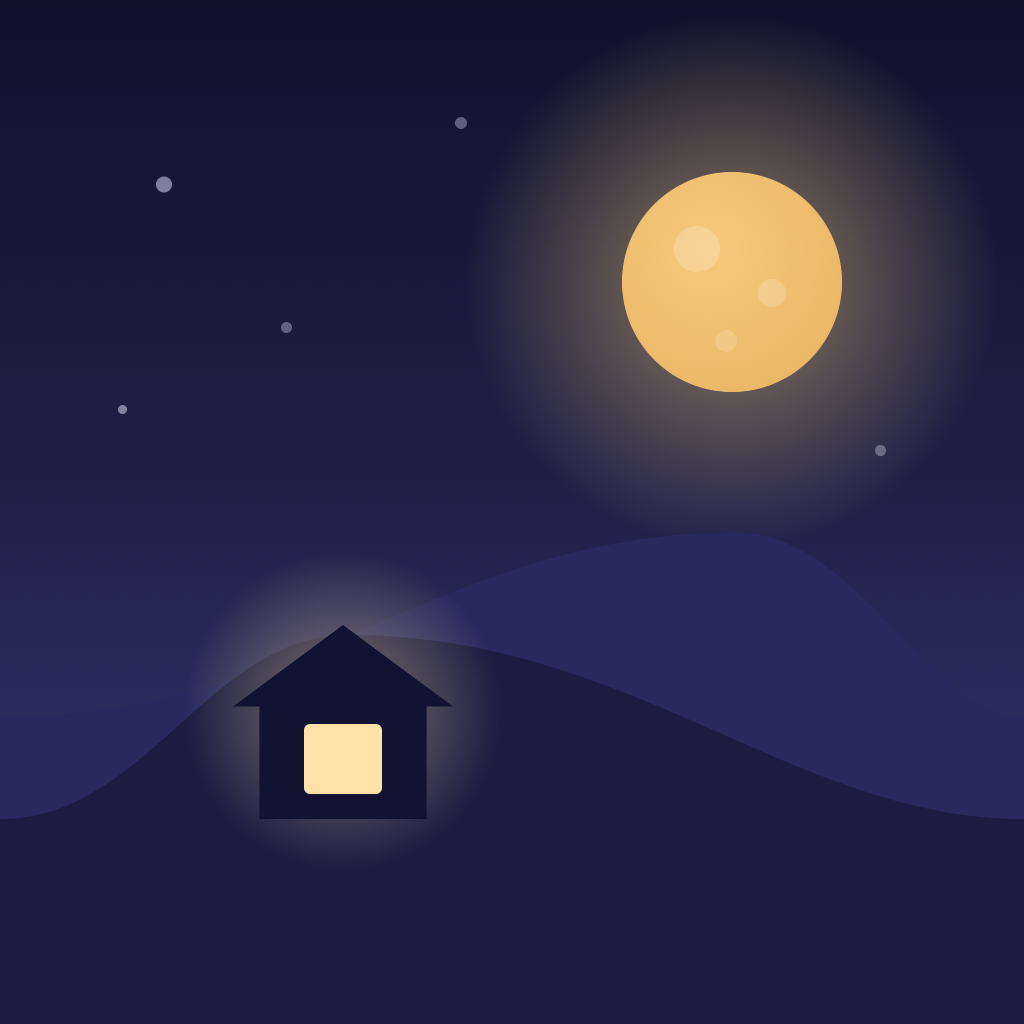
Mountoon Focus app icon: one lit house on a dark hill under a full moon

Mountoon Focus

A quiet timer with company · iPhone

For
Grown-ups
and students
Blocks
25 · 50 · Open
Open counts up
Breaks
5 · 10 · 15
the long one after four
Works
Offline
no account, no server
Ads
None
not now, not ever
Data
Not collected
it stays on your phone

How a block goes

Pick a length. Press Start. Someone sits down.

1

Pick

25 minutes, 50 minutes, or Open, which counts up instead of down. One tap on Start, and nothing else is asked of you.

2

Work

Your friend reads, or charts a star, beside you. At night the moon fills as the block goes by; by day a ring closes round the sun.

3

Stop

They look up and show you what they made. One line — “25 minutes, side by side.” Then a break, or Done for now.

What is built today

Nothing here is a promise

Mountoon Focus has not been submitted to the App Store, and there is no release date. This is the part that already works, on an iPhone running iOS 17 or later.

The timer, and every way of stopping it

Pause and resume. +5 min from the end-of-block notification. Wrap up to stop early — it counts every minute you did, in full, and gives you five seconds to undo it. A pause that runs past half an hour closes the block by itself and keeps the minutes. An Open block stops quietly by itself after three hours. Nothing turns red, nothing is taken away, and there is no streak to break.

Breaks you can leave

Five minutes after a 25-minute block, ten after a 50, and a longer fifteen after every fourth block — which says why it is longer. Skip break and Done for now are both there. Nothing pushes you into the next block.

A dial that reads the hour

Four skies — dawn, day, dusk and night — worked out from your phone's own clock, crossfading so a block never flashes. By night the dial is a moon filling new to full; with nothing running it shows tonight's real moon phase, calculated on the phone. By day it is a sun with a ring closing round it. Tap the digits to hide them; tap again to bring them back.

The Lock Screen and the Dynamic Island

A Live Activity runs the block on the Lock Screen and in the Dynamic Island, with your friend drawn inside it. Pause, Resume and Wrap up work there without unlocking the phone; on a break, Skip break and Done for now.

A Home Screen widget, Siri and Shortcuts

A small widget shows who is at the spot and starts a block with one tap. Start, pause, resume, wrap up, start a break, skip a break and finish for the day are all App Intents, so Siri, the Shortcuts app and the Action Button reach the same session the screen does.

Notifications that only ever answer your own timer

The app asks about notifications at your first Start, after one sentence of its own: “Only to tell you time is up. Never to call you back.” Not now starts the timer without opening Apple's box; it offers twice and then stops asking. It asks for no badge, because nothing in this app is ever owed. There are no reminders, no streak warnings and no “come back” messages — there is no code in it that could send one.

The company

Six friends, each with work of their own

They are the same six friends as the rest of Mountoon. Each has a project that grows with the minutes you spend together: the first after five minutes, then one more for every twenty-five. Only Lumi is on the screen today — the screen for choosing between them is still being built, and this page will say so until it is.

Lumi the bunny

Lumi The bunny

Gentle, curious, a little shy

Lumi is the friend who sits down when you press Start. She reads while you work, settles the book into her lap every minute or so, and puts it down and looks up the moment you pause. When the block ends she holds up the chapter she finished.

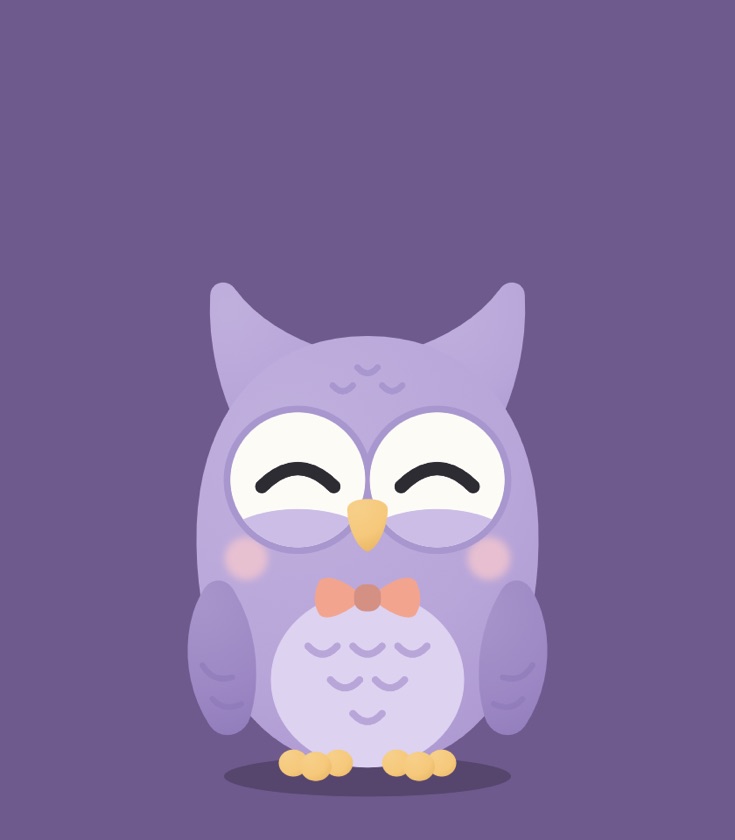
Ollie the owl

Ollie The owl

Wise, calm, protective

Ollie charts a star instead of reading, and works the same quiet way. He can be asked for by name — “start a focus block with Ollie” — through Siri or the Shortcuts app, which is the only way to change who is at the spot so far.

The small print, in large print

Made for people who read the small print

Nothing collected.

No account, no sign-in, no analytics, no tracking, no advertising identifier, no third-party code. There is no Mountoon server for it to reach, and the app has no push capability at all — it could not be sent a message if we wanted to send one.

It stays on your phone.

Your settings, the block you are in and your session history live on the device, in the app's own storage. The history is one small plain-text file a month. Deleting the app erases every bit of it.

Kind by construction.

No streak, no score, no failure state, nothing red and nothing taken away. Stopping early counts your minutes in full. What the app knows about you only ever adds up.

It never speaks first.

Every notification it sends is the end of a block or a break of a timer you started yourself. When nothing is running, nothing is pending.

Where the art comes from

“Every friend is drawn in code: vector shapes in Swift, written with an AI coding assistant. No image generators, no stock art. Made by one person in India.”

— Anurag, maker of Mountoon

Questions

Good to know

Is it a medical or attention product?

No. Mountoon Focus is a timer that keeps you company. It is not a health product, it is not treatment or advice, and it makes no claim about your attention, your health or how much you get done. It counts the minutes you asked it to count.

Does the timer keep going if I leave the app?

It does. iOS does not let any app run a timer in the background, and this one does not pretend otherwise: nothing counts ticks. Pressing Start writes down the moment the block ends, and every screen works the time out from your phone's own clock. Lock the phone, switch apps, or close it completely — the block is exactly where the clock says it is.

Is it for children?

No. It is made for grown-ups and students who want quiet company while they work, and it is not in the App Store's Kids Category. Our apps for younger children are separate: Mountoon Stories and Mountoon Learn.

Which devices?

iPhone with iOS 17 or later, in portrait. No iPad layout is claimed.

When can I get it?

There is no date. It is not on the App Store, it has not been submitted, and it is not on TestFlight. When that changes, this page changes with it.

How do I ask something?

Write to hello@mountoon.com. Mountoon is one person, in India, and a real person reads every message. The rest of the small print: support · privacy policy · terms of use.